git add
Lets go ahead and add our awesome_file to git, so we can keep track of our changes.
To do that, we'll use git add. git add expects a file as argument. It will then add that file to git, telling git that we want to monitor this file for changes in the future.
$ git add awesome_file
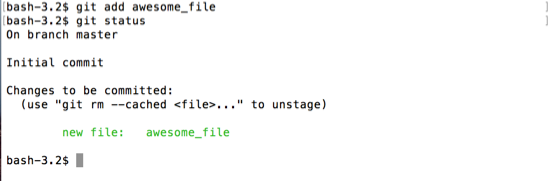
Now, in git status we can see our file mentioned in green, calling it a new file. The file may not be new to us, but it is the first time that git has been told to track it.